Notice
お知らせ


Finger Design Photo Collage
ゆびさきデザイン Photo Collage

© 2010 Ao Acato/Cyclohexa-design Co.,Ltd. All rights reserved.

Version 1.3
There are some reports that it is not possible to load photographs and materials after update.
We have fixed the problem, and are waiting approval by Apple.
You can load photographs and materials by opening new work or past works.
You can open new work by "Works" button > "Open New" button.
You can open past work by "Works" button and selecting on the icon that you want to open.
Version 1.3
アップデート後に写真、素材が読み込めなくなるという報告が一部あり、ただ今修正版をAppleに申請中ですが一度「Works」ボタンをタッチして過去の作品を読み込むか「Open New」ボタンから新しく始めていただくと問題なく写真や素材が読み込めるようになっております。お手数おかけしますがよろしくお願いいたします。
ご質問等は下記メールアドレスまでお願いします。
Samples
作品サンプル
iPad Applications
You may freely use artworks created using the "Finger Design" application series for personal use and/or professional use.
It would be greatly appreciated if you could let us know if you are using it as a product (or a part thereof), so we can introduce your creations on our homepage.
This does not mean that we are giving up our rights to the materials and drawings that we provide as part of the software. Therefore, we do not permit re-distribution of our materials and drawings as whole or as in part.
We sincerely hope that we can add some extra color to your life, through your use of the "Finger Design" series software.
「ゆびさきデザイン」シリーズをお使いいただいて制作された作品は商用・非商用に関わらずご自由にご使用いただけますが、商用に利用いただく場合には弊社ホームページ等でご紹介いたしたく、ご一報をお願いいたします。ただしアプリ内の素材の著作権を放棄するものではありませんので素材の再配布等はお断りいたします。
以上をご確認の上「ゆびさきデザイン」シリーズをご活用いただき皆様の生活に少しでも彩りを添えることができましたら幸いです。
Questions or comments? Please contact us.
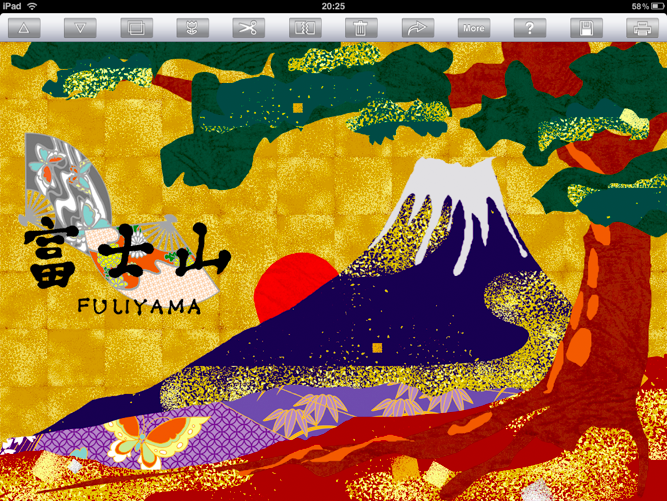
For creating Japanese style illustrations.
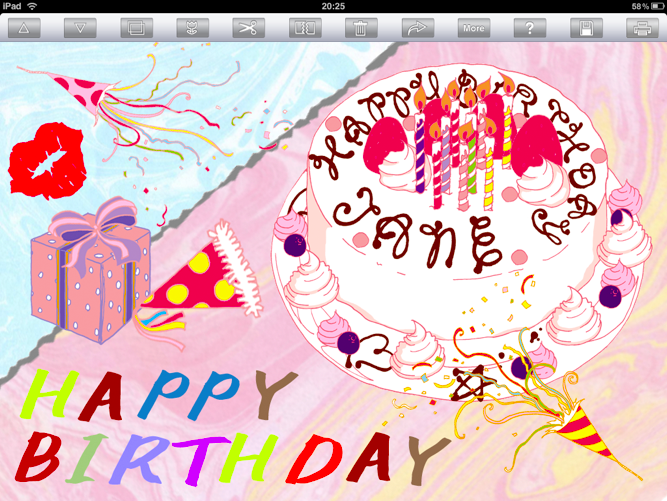
For creating birthday cards.
こんな和風イラストも簡単に作れます!
バースデーカードの制作にも!
For creating original Collage.
オリジナルコラージュ作品の制作に!
About your artworks
制作された作品について
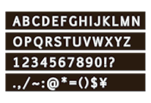
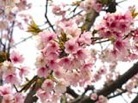
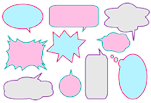
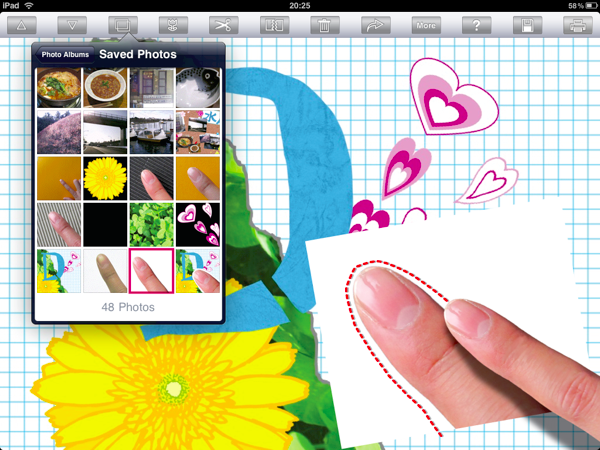
A photo collage application just for the iPad, letting you intuitively manipulate your photos as well as more than 300 materials that comes pre-loaded with the application.We've added professional photos, entertaining illustrations and lots of paper and fabric materials.By tracing with your finger, you can cut as well as rip realistically to create your own work of art.Enjoy this artistic application by creating original photo albums, greeting cards, and photo collages.
iPad向けの簡単に楽しく直感的に写真のコラージュを作れるアプリです。
あなたの写真と300種類の素材から簡単にデザインができます。素材には綺麗な写真や楽しいイラスト、たくさんの紙、布など全部で300種類以上が最初から入っています。指で写真や素材をなぞるだけできれいに切れたり、リアルにビリビリにやぶくことができます。楽しくアルバムやオリジナルなグリーティングカード等のコラージュ作品を作ってアート気分を味わいましょう。
Description
アプリのご紹介
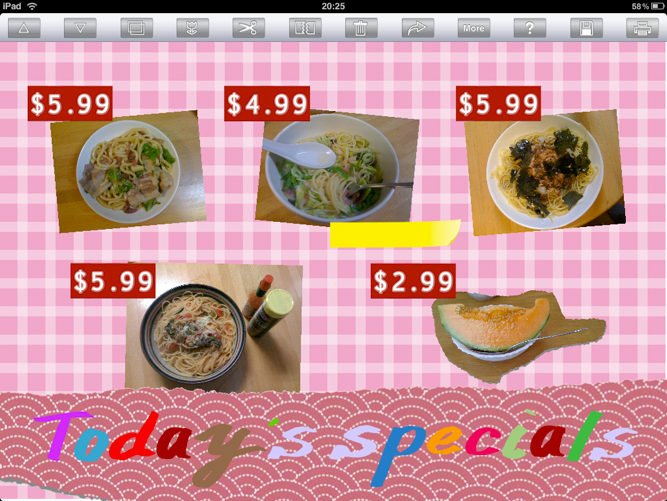
For creating original menus.
オリジナルメニュー制作に!
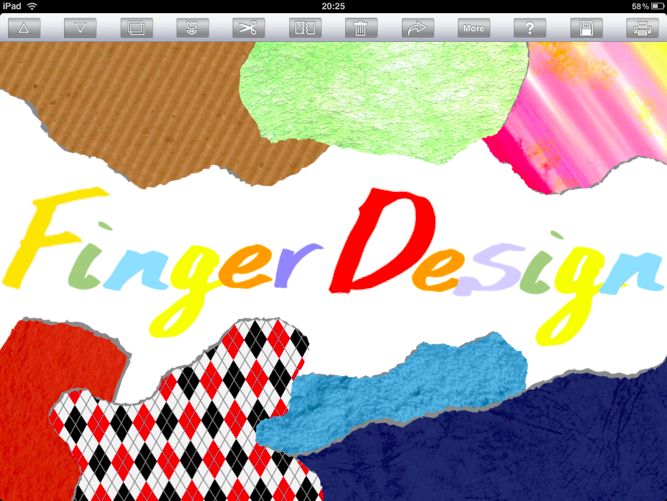
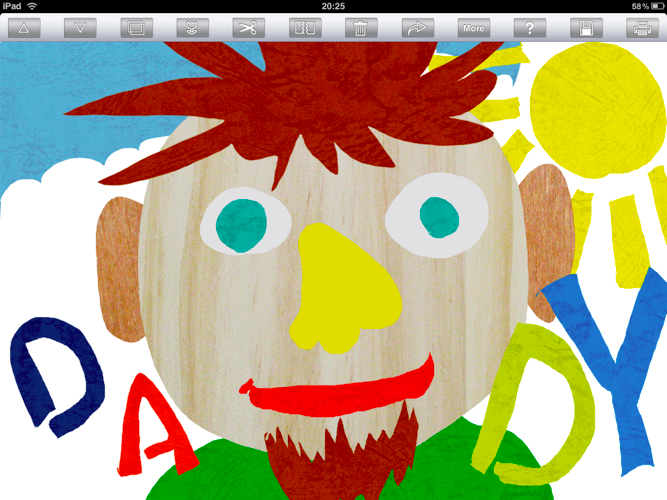
For creating paper collages with the child.
お子さまと一緒にちぎり絵も楽しめる!